Document-Centric Workflows Explained: How to Transforming Business Efficiency
Document-centric workflows explained: Why are they needed? Imagine this scenario: Sarah, a project manager at a growing construction company, receives a critical contract that needs immediate review and approval. The document lands in her inbox, and she starts the process of tracking down team members for their input – designers, legal counsel and finance experts. Each person sends their feedback separately, with some attaching PDF versions, others pasting comments into emails. After consolidating all the input, Sarah spends hours reformatting to ensure everyone’s changes are incorporated and nothing is missed. By the time the document is ready for final approval, two days have passed and the delay jeopardises a major deal.
Sarah’s experience illustrates the struggles that come with traditional document management processes. In many organisations, critical information lives in static files, like Word documents, spreadsheets and PDFs, that are manually handled and distributed across teams. The result? Inefficiencies, errors and missed opportunities. But there’s a better way: learn about document-centric workflows.
What are Document-Centric Workflows?
A document-centric workflow is a structured, automated process that revolves around the creation, sharing and management of documents. Instead of treating documents as isolated files that need to be manually tracked, edited and distributed, organisations can integrate them into their broader workflows.
These document-centric workflows are designed to ensure that every action associated with the document – whether it’s an approval, revision or sharing – is automatically handled, tracked and streamlined.

In a document-centric workflow:
- Documents are created and stored centrally.
- Access permissions are assigned based on roles.
- Changes are tracked automatically and version control ensures no input is lost.
- Tasks related to the document, such as approvals or reviews, are automated.
- Every step is visible, creating transparency and accountability.
Benefits of Document-Centric Workflows
- Improved Collaboration
By centralising documents in a digital workspace, teams can work on the same version of a document simultaneously. Centralising data eliminates the risk of conflicting edits, misplaced feedback or multiple file versions cluttering inboxes. - Faster Approvals
Automating document-centric workflows enables documents to move swiftly through various stages. Teams can assign specific workflows where approvals are triggered automatically, reducing delays. - Enhanced Accuracy and Compliance
With automatic logging and audit trails, document-centric workflows ensure compliance with regulatory requirements. Organisations can easily demonstrate accountability, making audits smoother and less stressful. - Increased Productivity
By reducing manual steps such as emailing attachments, consolidating feedback and tracking edits, teams can focus more on high-value tasks. Automation tools also minimise the risk of human error, saving time that would otherwise be spent correcting mistakes.
The Power of Automation in Document-Centric Workflows
Automation is the key driver behind the efficiency of document-centric workflows. It removes the manual, repetitive steps involved in creating, editing and processing documents, enabling teams to focus on decision-making and strategic work.
Here’s how automation transforms document-centric workflows
1. Automated Document Creation and Templates
Many organisations rely on templates to ensure consistency in their documents, such as contracts, invoices or reports. Automation tools enable teams to generate documents automatically based on predefined templates. By pulling in data from different sources (such as a CRM system or an ERP platform), these tools can populate documents with relevant information in seconds, significantly speeding up the creation process.
2. Version Control and Tracking
Automation ensures that every edit, revision and comment made to a document is tracked in real-time. Instead of manually comparing versions to find out who made what change, automated version control keeps a record of every action. It also allows users to revert to previous versions effortlessly, which ensures that important changes aren’t lost.
3. Automated Approvals and Notifications
In traditional workflows, chasing down approvals is a major bottleneck. But with automated workflows, approval processes are predefined. For instance, when Sarah submits the contract for review, the system automatically routes it to the right stakeholders. If a team member forgets to approve it on time, the system sends reminders until action is taken.
Automating these processes drastically reduces the time wasted in waiting for feedback and ensures documents move swiftly from one stage to another.
4. E-Signatures and Legal Compliance
Documents often need legal approval and signatures before they’re finalised. Automation integrates e-signature tools directly into the workflow. Once the final version of a document is ready, it’s sent automatically for electronic signing, which reduces the need for printing, scanning or manually routing paper documents. Automation builds in GDPR compliance measures.
5. Document Security and Access Control
With automated workflows, document access can be tightly controlled based on user roles and permissions. Automation ensures that sensitive documents are only accessible to authorised users, reducing security risks. Moreover, it tracks who accesses, edits or shares a document, providing a full audit trail for regulatory compliance.
6. Real-Time Analytics and Reporting
Automated workflows can generate real-time data on document progress, approvals and bottlenecks. Managers can quickly see where a document is stuck or how long certain stages take. This data provides valuable insights into how processes can be optimised and helps improve overall business efficiency.
Case Study: A Construction Company Embraces Automation
Let’s go back to Sarah’s story. After the frustrating experience of dealing with delays and scattered feedback, Sarah’s company decided to implement a document-centric workflow automation system. Now, contracts are automatically created using pre-set templates, with key data pulled in from the company’s CRM. The document is routed automatically to the appropriate team members, and each step is tracked in real-time. No more missed emails or misplaced attachments.
By the time the contract reaches Sarah, it has already been reviewed and approved by the relevant departments. With just one click, Sarah sends the contract for a quick e-signature, and the deal is finalised within hours – not days. Thanks to the new system, the company saves time, reduces errors and improves customer satisfaction.
Conclusion: Document-Centric workflow automation
Document-centric workflows are revolutionising the way businesses operate by placing documents at the centre of automated processes.
Automation not only reduces human error and time-consuming manual tasks but also enables teams to collaborate efficiently, ensuring faster approvals and better compliance.
For organisations looking to enhance productivity and streamline their processes, adopting a document-centric approach powered by automation is no longer a luxury but a necessity.
By embracing automation, construction businesses like Sarah’s can eliminate the bottlenecks of traditional document management and drive efficiency, agility, compliance and growth.
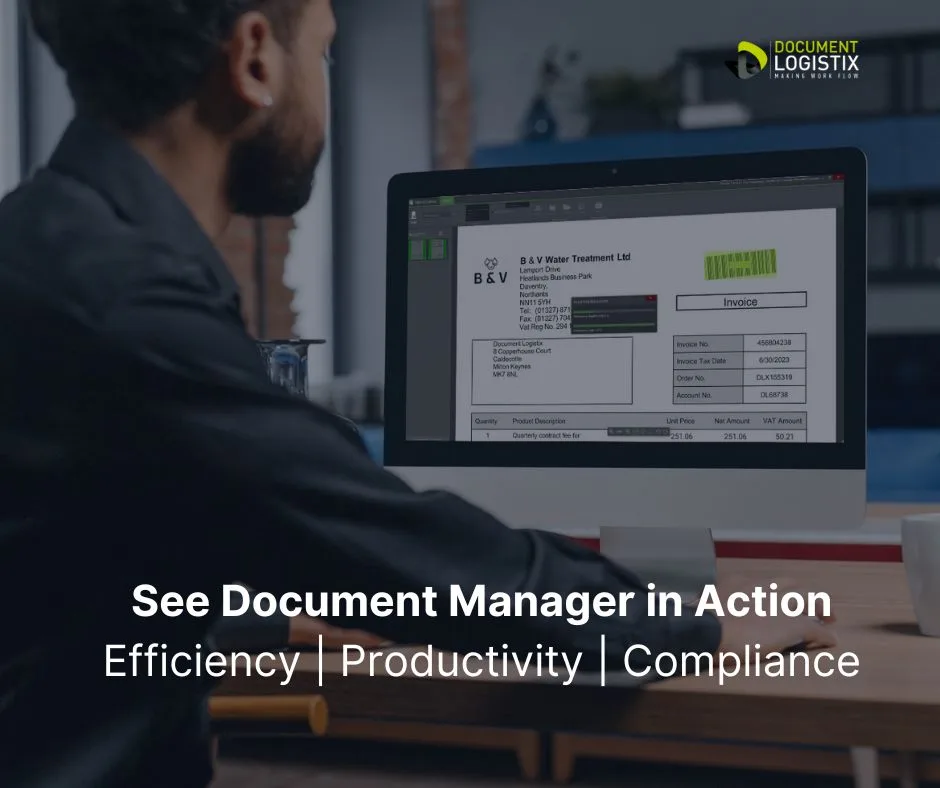
See Document-Centric Workflows in Action >>>