
Solutions to Document Management Problems
In today’s fast-paced business environment, efficient document management is essential for maintaining smooth operations.
However, many organisations still face challenges and technical problems when dealing with documents, such as invoices, contracts management and employee files. Are there ready-made solutions to common document management problems?
Manual processes, working with data located in too many places, compliance issues and outdated systems all present document management problems that lead to inefficiencies and delays.
This article addresses common problems in document management and provides suggestions for effective solutions to overcome these challenges.

Don’t fret! The document management solutions you’re looking for are right here
What is Electronic File Management?
Electronic file management refers to the process of storing, organising, retrieving and managing digital files using on-premises computer systems, cloud storage and mobile apps.
This method of digital information management often uses Electronic Document Management Systems (EDMS) or simply structured folder systems on computers or cloud storage platforms.
Proper file management ensures that documents are easily accessible and secure from unauthorised access or data loss.
Why is Electronic File Management Important?
1. Enhanced Productivity
Poor file management can lead to wasted time spent searching for misplaced documents. An effective system allows you to locate and retrieve files quickly, which improves efficiency and productivity.
2. Data Security
Electronic file management systems can provide advanced security measures, including encryption, redaction and password protection to ensure that sensitive information remains confidential.
3. Compliance and Legal Requirements
Many industries are subject to regulations that mandate how files should be stored and maintained. Also, how long information is kept and when it must be deleted.
Effective file management ensures compliance with these legal requirements and avoids potential fines. Plus, the advanced systems automatically retain and purge files.
4. Data Backup and Recovery
With a reliable file management system, important documents can be backed up automatically, reducing the risk of data loss in the event of a system failure.
Built-in disaster recovery and assured business continuity are two big benefits of digital management systems. Whether a natural disaster, system failure or a cyber threat, digitisation provides valuable insurance to keep you up and running in the event of an outage.
Best Practices for File Management
1. Organise Files in a Hierarchical Folder Structure
Organise files in a clear folder structure, with broad categories that become more specific as you go deeper.
2. Use Central Storing Platforms
Advanced file management systems provide a central storage hub to ensure that your documents are accessible from any device and location, while also providing collaboration features for team members.
5. Implement Version Control
To avoid confusion between document versions, implement version control. Electronic file management systems do this automatically to ensure there is no duplication.
6. Ensure Security and Privacy of Files
Sensitive files should be protected using encryption and secure passwords. Access control measures should be enforced to ensure that only authorised personnel can view or edit documents.
7. Backup Your Files Regularly
Regular backups are essential to prevent data loss. Automatic back-ups are a feature of EFM systems
8. Use Metadata for Better Searchability
Adding metadata like tags, keywords and descriptions to your files can significantly improve their searchability. Modern document management systems allow users to search for files based on metadata, saving time and improving productivity. The lasts EFM systems automate this process using AI.
9. Use Document Management Software
Investing in Document Management Software (DMS) can further streamline file management. Software like Document Manager provides features such as version tracking, secure file sharing, automatic backups and integration with other tools and systems. Document Manager also has built-in compliance functions to adhere to GDPR

Common Document Management Problems Solved!
In conclusion, effective document management is vital for businesses aiming to increase efficiency, stay compliant and reduce costs.
By addressing common issues such as manual keying, inefficient workflows and compliance challenges, organisations can streamline their operations and improve overall productivity.
Document Logistix’ document management solutions tackle these problems head-on by providing powerful automation, centralised control and seamless integration with existing systems.
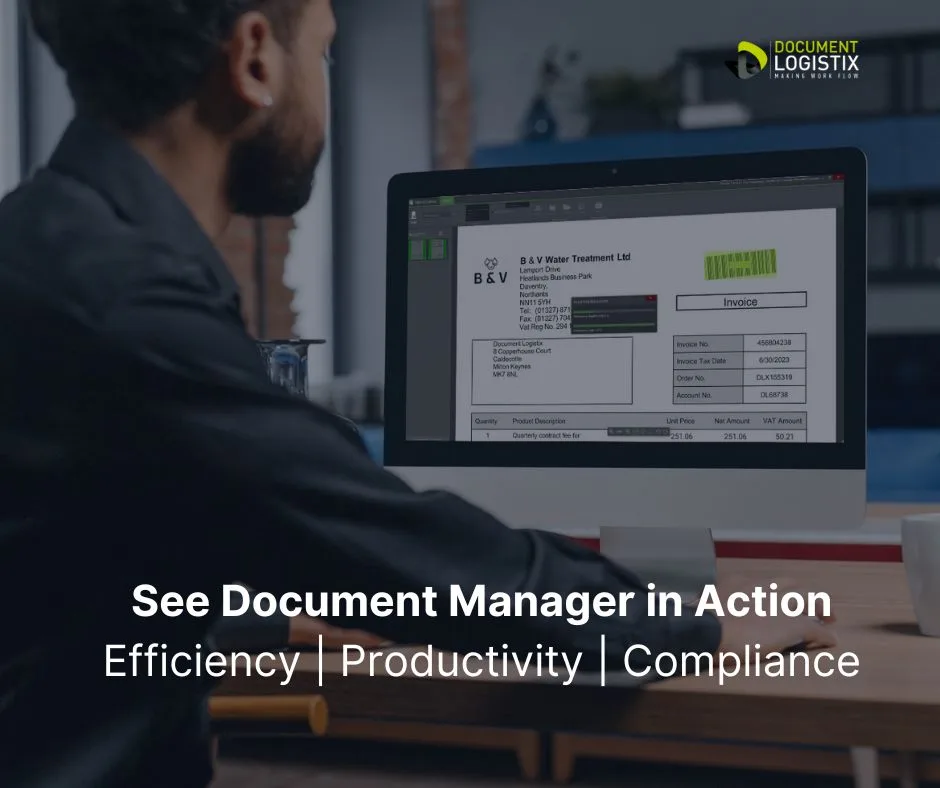
Ready to Upgrade your Document Management System?
Contact us today to discover how our digital solutions can help you overcome common document management challenges!
See Document Manager in Action >

Your No.1 Document Management Solution Consideration Should Be Security
The 7 common document management problems we cover above are organisational problems.
The No1 system requirement is, unsurprisingly, security.
Our document management system, Document Manager, provides encryption, redaction functions, permissions-based access, and time-stamped audit trails to support customers’ security ojectives.
Document Manager is continuously penetration tested to ensure maximum security against data breaches, which is even more important at a time of increasing cyberattacks.
Best Practices to Solve Document Management Problems
Effective document management is crucial for optimising business operations and maintaining compliance. Here are key best practices for document management:
- Centralised Storage
Use a document management system (DMS) to store all records in one centralised, secure location to ensure easy access and control. - Automated Workflows
Implement automated workflows to streamline processes like document routing, approval and review to reduce manual effort and errors. - Clear Naming Conventions
Implement auto-indexing and file naming conventions to improve searchability and organisation to ensure documents are easily located. - Access Controls and Permissions
Set role-based access to protect sensitive data to ensure that only authorised users can view or edit documents. - Regular Backups
Chose a DMS with automated backups to prevent data loss and ensure business continuity in case of system failures. - Compliance and Retention Policies
Follow legal and regulatory requirements by automating retention schedules and ensuring GDPR and ISO compliance.
By following these best practices, businesses enhance their efficiency, security and regulatory compliance and solve the vast majority of document management problems.